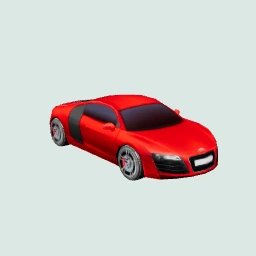
 My car
- I drive the red sports car. Steer, give it gas, brake
Makerplay helps kids create their own video games—design the characters, worlds, and rules, then play and improve what they’ve made. For ages 6-16.
Already have an account? Login here.
My car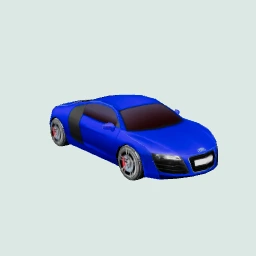 Rival cars
Give their love of games somewhere to grow: inventing characters, building worlds, and making something of their own.
Kids learn to give clear instructions, test what happens, and work out what to change. Makerplay handles the code.
You'll be able to play every game they make. Make them proud by sharing it with friends and family.
Built by a parent for his own child, with the same care you’d want for yours.
Give 3, 6, or 12 months of Makerplay for their birthday or the holidays. Print the gift card and wrap it up.
They can make their own games without constantly asking you to buy something else.
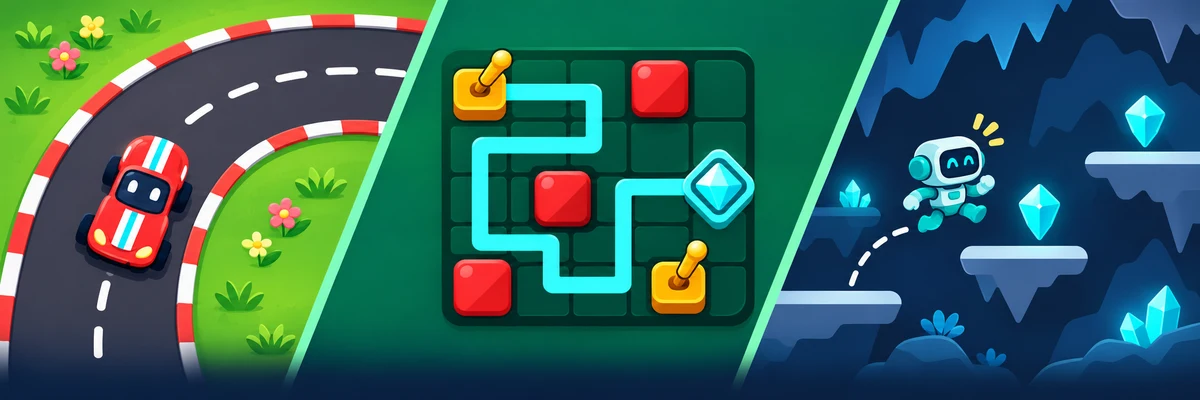
Create games and explore all of Makerplay’s creative tools for free.
Zero ads. Built for kids.
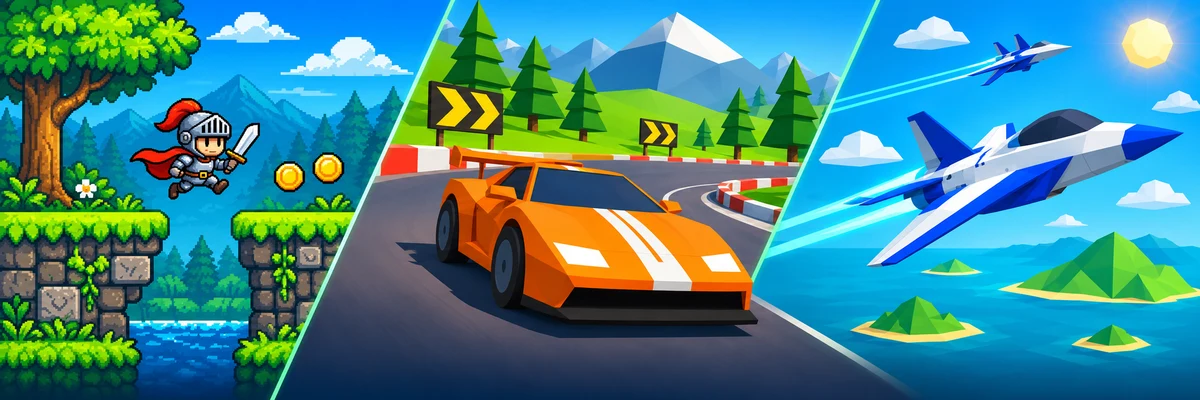
Everything in Fun, plus more energy for fast builds and unlimited game edits.
$14.99/ month
Cancel anytime
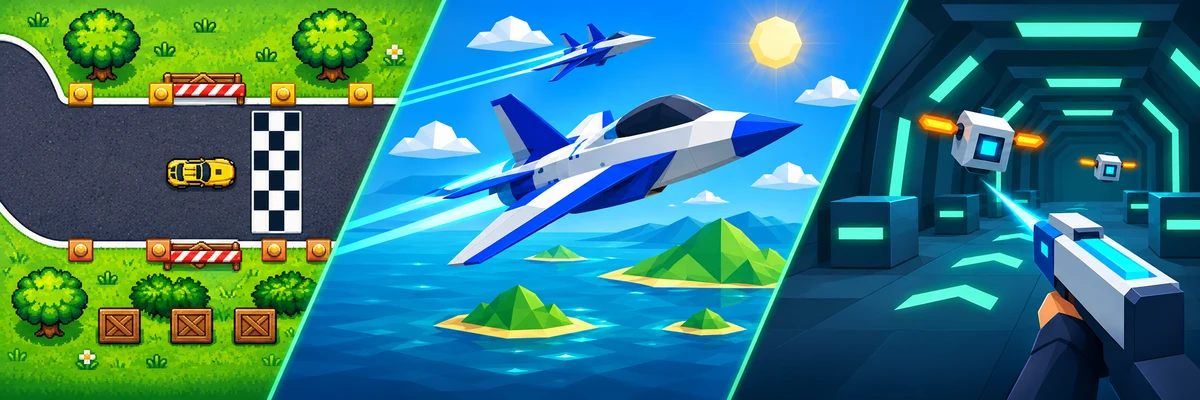
Everything in Super, with more energy for new games and fast improvements.
$29.99/ month
Cancel anytime
On every plan
Luna or Willy, by their side.
Learn by making a game.
Play, share and remix with friends.
No ads. Free to start. Parents control purchases.
Swipe to compare all three plans.
| What they can do | Fun | Super | Ultra |
|---|---|---|---|
| Making games | |||
| Create and remix interactive games | Included | Included | Included |
| Create & remix 2D games | Included | Included | Included |
| Create & remix 3D games | Included | Included | Included |
| Design characters, worlds & rules on a visual board | Included | Included | Included |
| Choose a soundtrack for their game | Included | Included | Included |
| Visual level editing for 2D & 3D games | Included | Included | Included |
| Picture library for 2D games | Included | Included | Included |
| Learning and sharing | |||
| Their own AI coach: Luna or Willy | Included | Included | Included |
| Creator School guided missions | Included | Included | Included |
| Saved game versions & version history | Included | Included | Included |
| Play games & discover ideas in the Arcade | Included | Included | Included |
| Creator Home & shareable game links | Included | Included | Included |
| Connect & share with their Crew | Included | Included | Included |
| For parents | |||
| Monthly energy for building | Included | Included | Included |
| Unlimited improvements at regular speed | Not included | Included | Included |
| Ad-free creation & play | Included | Included | Included |
| Parent-controlled plans & extra energy | Included | Included | Included |
| Saved games stay playable after downgrading | Included | Included | Included |
New games and improvements use energy cells. See the fixed amount before building. Save energy with slower improvements. On Super and Ultra, improvements to existing games continue at regular speed after your cells run out.
Their time starts when they activate.The 3, 6 or 12 months begin when their parent redeems the gift, not when you buy it.
A gift you can hand over.Print a gift card or forward the gift email when the moment is right.
A gift, paid in full.One payment for the whole period. No automatic renewal.
Makerplay is designed for ages 6–16, with room to grow from a first game idea to more ambitious creations. These age ranges are a guide—every child finds their own pace.
Ages 6–8: A chance to spend creative time together, turning your child’s imagination into a game you can both play. They bring the ideas; you join in by reading along and helping them type. Then comes the fun of trying their game together, hearing what they think, and dreaming up what to change next.
Ages 9–12: Kids can use Makerplay more independently, exercise their imagination, and learn to be creators by making their own games, remixing games they discover, and playing and improving what they build.
Ages 12–16: Kids can create more sophisticated games, explore advanced controls like the level editor, and experiment with 2D and 3D capabilities. Shaping rules, designing levels, and testing how everything works together offer an introduction to game design and engineering.
No coding experience is needed. Your child describes their ideas and shapes the game’s characters, worlds, and rules. Makerplay handles the code, so they can focus on making a game they want to play.
Makerplay runs on any phone, tablet, or computer connected to the internet.
Yes. The free Fun plan includes trial builds to explore making 2D and 3D games. You can start there and choose a paid plan when your child wants to keep creating. Start free with Fun.
Energy cells are the credits your child uses to build new games and make changes to existing ones. You’ll see how many cells a build will use before it starts. Choosing regular speed for improvements uses fewer cells than fast mode. On Super and Ultra, your child can keep improving existing games at regular speed even after their cells run out.
Making a game gives your child a reason to think creatively and express their ideas clearly. They imagine worlds, invent characters, and design rules that work together to create an experience for someone else. Turning that vision into a playable game involves game design and engineering thinking: breaking a big idea into smaller parts, understanding cause and effect, testing how systems interact, and solving problems when things don’t work as expected. Makerplay handles the code, while your child makes the creative decisions, experiments, and shapes the result. See how it works.
Yes. Teachers can request classroom access and use our lesson guide to run a game-making session, with students working on their own or in pairs. Students join with a class code, and the teacher view brings their games together to follow progress and play as a class. Explore Makerplay for teachers.
No. Their parent can create an account and a child profile when redeeming the gift. The gift is activated for one child.
Super and Ultra include all game types. Improvements use energy while cells remain, then continue at regular speed without cells. Ultra includes more monthly energy for new games and fast builds.
You’ll receive a gift email with activation details and a gift card you can personalize with their name and a message. Print it to put in a card, or forward the email. The price stays off the gift card.
The gifted months begin when their parent activates it, so you can buy ahead without using up their time.
No. It’s one payment for the whole gift period, with no automatic renewal. When the gift ends, their saved games stay available to play.